Learn English with Netflix
You can pick up a lot of a language by watching shows you already like. Two things matter: hear it often, and need less help as you go.
A simple method
These steps are common advice among language learners. They are not a promise: people progress at very different speeds.
Why subtitles can get in the way
When a translation is always on the screen, many people read it and stop listening. Researchers have studied this, for example with eye tracking: see “Examining the effectiveness of bilingual subtitles for comprehension: an eye-tracking study” (UCL). The research on subtitles for learners is mixed, so it is worth trying what works for you.
How Caply fits in
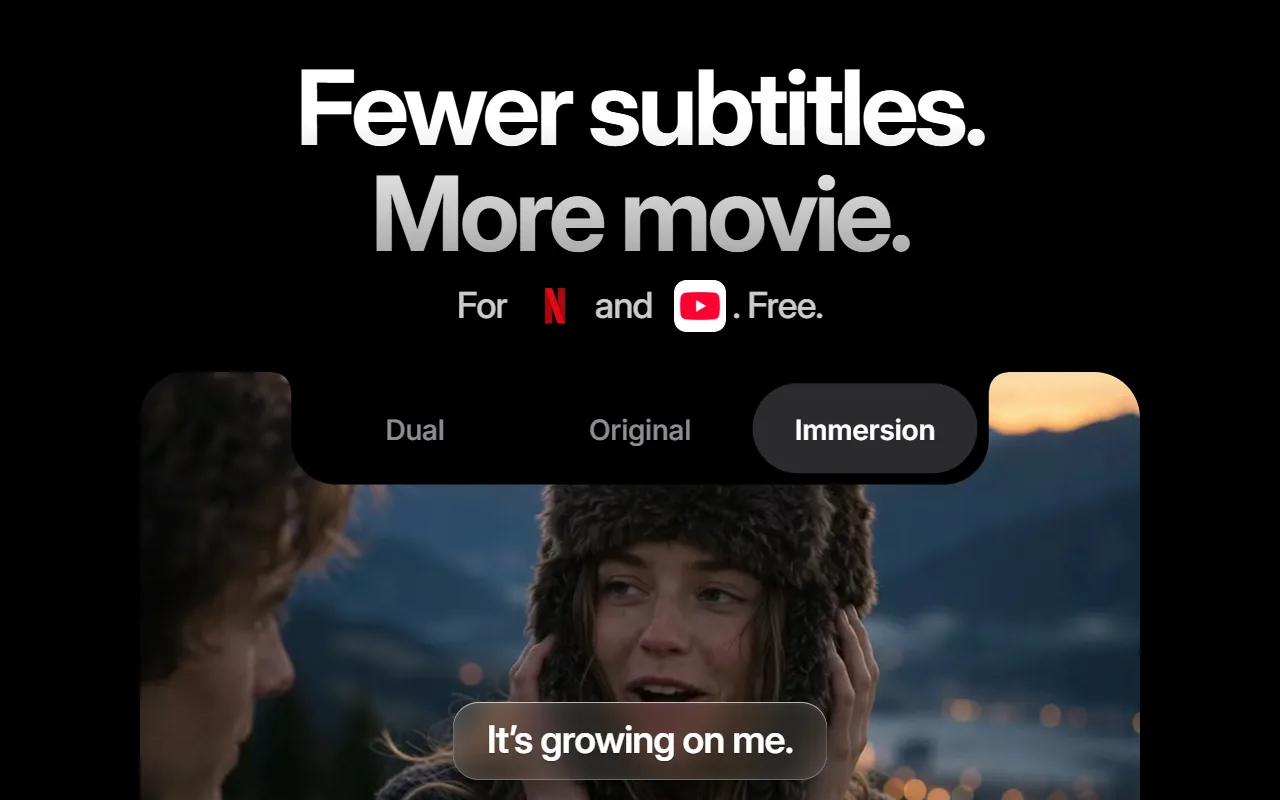
Caply is a free Chrome extension for Netflix and YouTube. It follows the method above with three modes you change from a small notch at the top of the picture.
Press R to go back 8 seconds and see the line with its translation. Caply does not teach words and does not make flashcards. It helps you watch. If you want to study vocabulary, use another tool next to it.
Free. No account. No ads. Works in Chrome on a computer.
Questions
Can you really learn English by watching Netflix?
Many learners use shows to hear natural English every day. It works best with regular practice and shows you enjoy. Results differ from person to person, and Caply makes no promise about speed.
Should I use subtitles to learn English?
It depends on your level. Many people start with a translation, then move to English subtitles, then to fewer subtitles. Caply lets you change this with one click.
Is Caply free?
Yes. There is no account to create and nothing to pay.
Does it work for other languages?
Yes. Caply supports English, French, Spanish, German and Italian, as the language you learn and as your own language.
Does Caply work on YouTube too?
Yes. Caply works in Google Chrome on a computer, on Netflix and on YouTube. It does not work on phones.