Learn English with YouTube
YouTube is full of natural English on every topic. What matters most is choosing videos with good subtitles, then needing them less and less.
Updated November 17, 2026
A simple method
These steps are common advice among language learners, not a promise: people progress at very different speeds.
When a video has no English subtitles
If a video has no subtitles at all, there is nothing to show: pick another one. If it has some in another language, Caply can use YouTube's automatic translation. It then tells you to expect small mistakes.
How Caply fits in
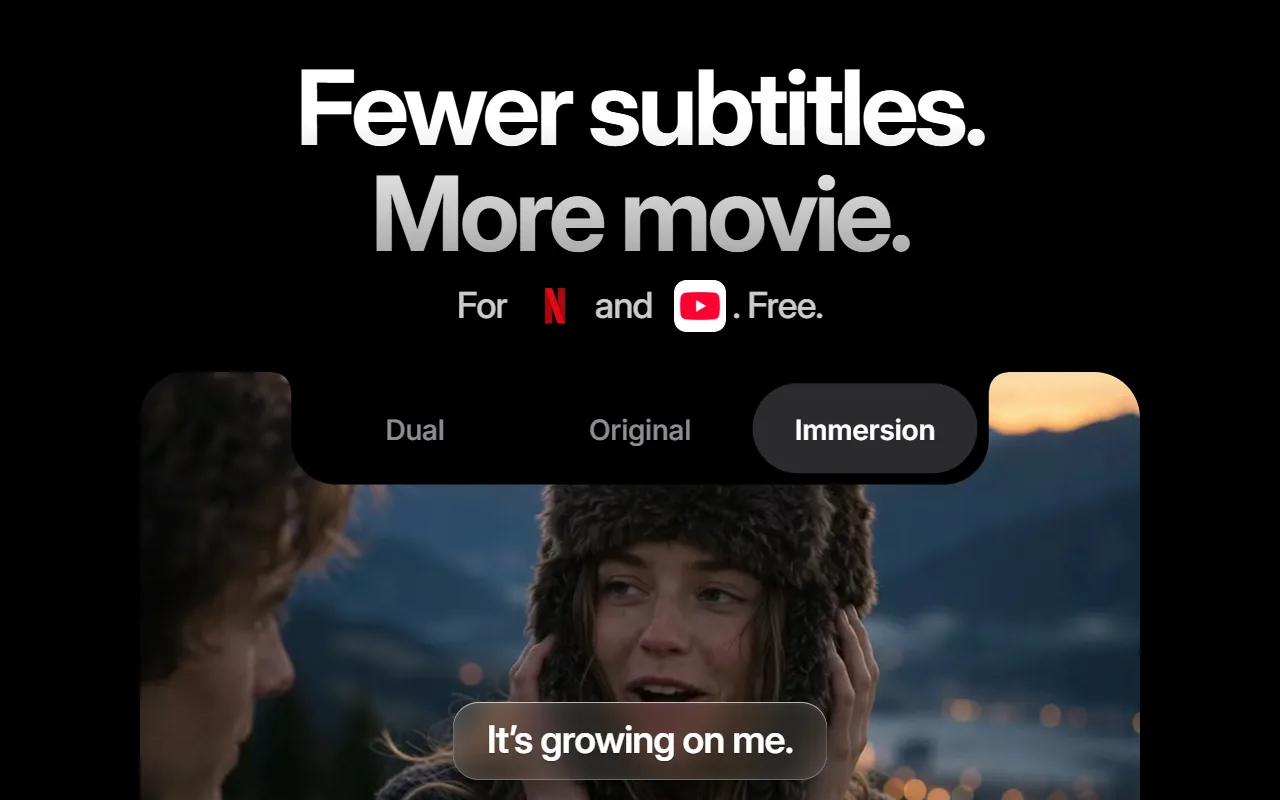
Caply is a free Chrome extension for YouTube and Netflix. It replaces the subtitles with ones that adapt to you. Three modes, changed from a small notch at the top of the video:
Press R to go back 8 seconds and see the line with its translation, and T to hide the controls. Caply does not teach words: it helps you watch.
Free. No account. No ads. Works in Chrome on a computer.
Questions
Can you learn English with YouTube?
Many learners use it to hear varied, natural English every day. It works best with regular practice and videos you care about. Results differ from person to person.
Do I need to turn on YouTube captions first?
No. Caply draws its own subtitles from the ones the video provides. If a video has no subtitles at all, there is nothing to show.
Is Caply free?
Yes. There is no account to create and nothing to pay.
Does Caply work in the YouTube phone app?
No. Caply works in Google Chrome on a computer, on YouTube and on Netflix.
Is Caply made by YouTube?
No. Caply is independent and is not affiliated with YouTube or Netflix.